
ツール・ページ#page#reading-time#css
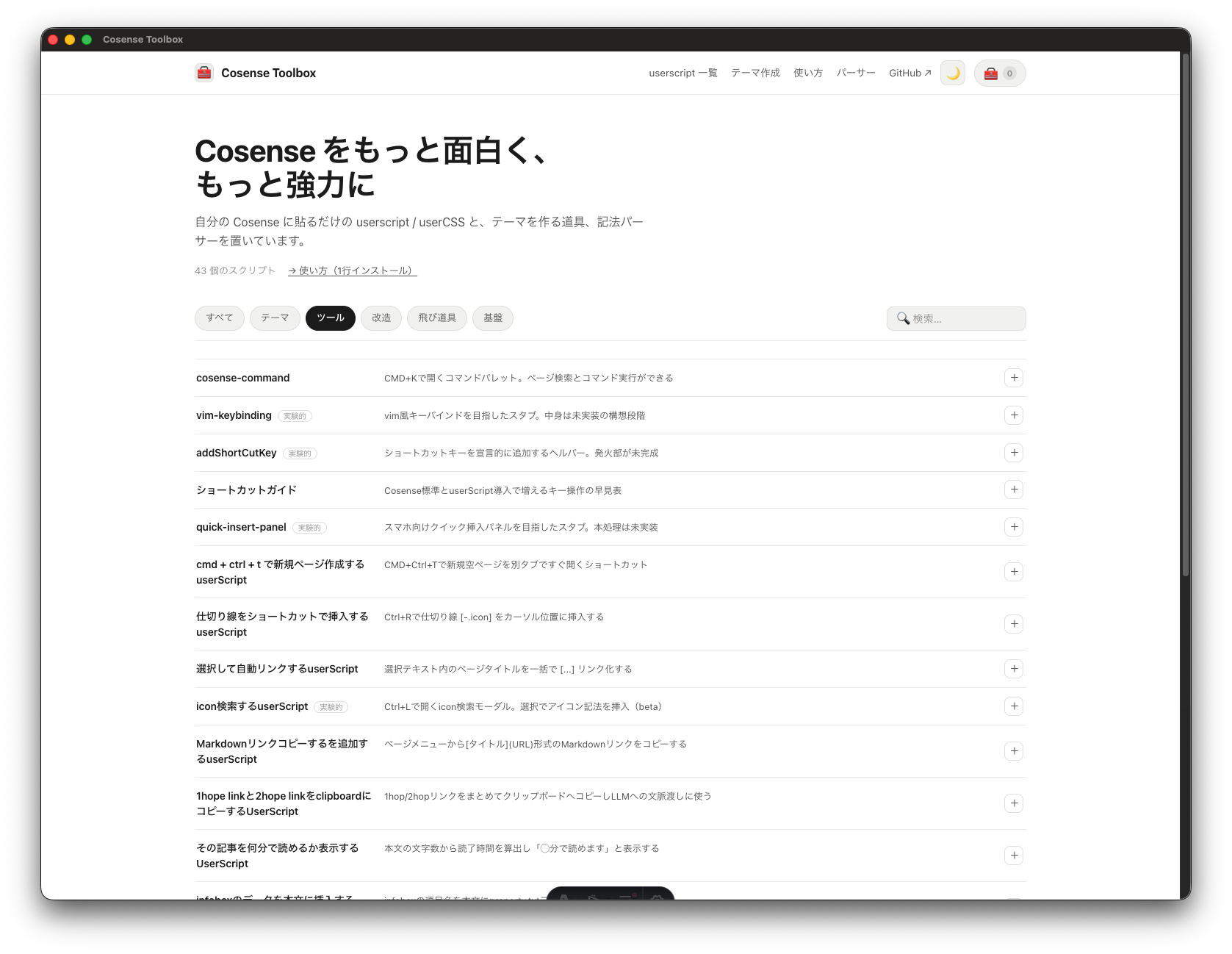
その記事を何分で読めるか表示するUserScript
そのページがだいたい何分で読めるかを、ページを開いたときに自動で表示します。長い記事を読み始める前に、どれくらい時間がかかりそうかの目安がわかります。
読了時間は本文の文字数から見積もって「◯分で読めます」と表示され、特に操作は必要ありません。
デモ
インストール
設定ページの code:script.js に貼る
import "/api/code/cosense-toolbox/その記事を何分で読めるか表示するUserScript/script.js";
ソースコード全文を見る(JS)
const letterPerMinutes = 600;
function render() {
  if (scrapbox.Layout !== "page") return;
  const content = document.querySelector(".app .page .lines")?.textContent || "";
  const length = Array.from(content).length;

  const predict = Math.ceil(length / letterPerMinutes); // 分単位で計算。あまりは切り上げ

  const css = [
    `.page-wrapper::before {`,
    `	content: "この記事は${predict}分で読むことができます。";`,
    `	opacity: 0.5;`,
    `	position: absolute;`,
    `	margin: -18px 0;`,
    `   color: lightgray;`,
    `	font-size: small;`,
    `}`,
  ].join("\n");
  injectCSS(css);
}

let style;
function injectCSS(css) {
  if (!style?.parentElement) {
    style = document.createElement("style");
    document.head.appendChild(style);
  }
  style.innerHTML = css;
}

window.scrapbox.on("lines:changed", render);
window.scrapbox.on("page:changed", render);
window.scrapbox.on("layout:changed", render);
render();